
LCC Specialist Service
Software & Virus Fix
System optimization, malware cleanup & clean operating systems
We clean up bloatware, remove viruses, Trojans, and adware, and optimize your operating system settings. If needed, we perform clean installations of Windows 10/11 or macOS, including license validation and installing all necessary system drivers for stable operation.
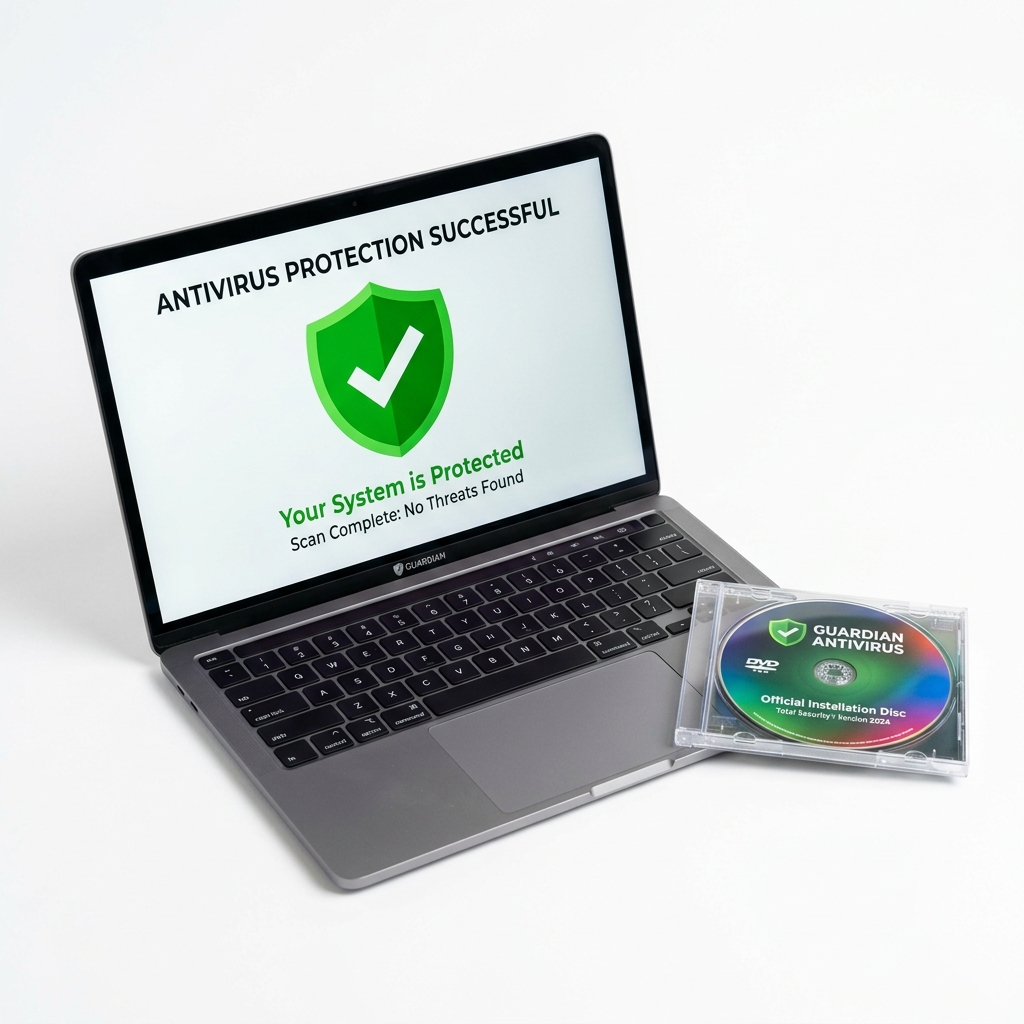
When Do You Need This?
Bring your system if it displays any of these symptoms for a free, no-obligation diagnosis.
Frequent ads, pop-ups, or browser hijacking redirections
System stuck on boot loop, blue screen, or black screen of death
Computer running extremely slow, laggy, or showing high CPU usage
Applications throwing DLL errors or failing to launch
How It Works
We believe in absolute transparency. Here is our step-by-step diagnostic and repair process.
Malware & OS Health Check
We analyze system startup files, running processes, and registry logs to detect malware or corrupted OS modules.
Secure Data Backup
Before any reinstall or cleanup, we safely back up your User profile folder (Documents, Desktop, Downloads) to prevent data loss.
OS Install & Driver Setup
We perform a clean install, download all official motherboard/graphics drivers, and run security patches.
Bloatware & Startup Tune
We disable useless background startup programs, remove telemetry, and optimize settings for maximum speed.
Frequently Asked Questions
Common questions answered about our Software & Virus Fix service.
Will I lose my license of Microsoft Office/Windows?
No! We scan and backup your product keys before reinstalling, and re-link your official digital licenses afterwards.
Is clean installation better than resetting?
Yes! Re-installing removes all hidden adware, malware, corrupt registry values, and junk cache files that standard Windows reset often misses.
How do I protect my system from future viruses?
We install premium genuine security software and configure firewalls/browser extensions to block dangerous websites and USB auto-run scripts.